







Generator
Geschichte
KI-Grundrissgenerator
Änderungswerkzeug
Modell
Basic
Wechseln
Räume
Schlafzimmer
-
2
+
Badezimmer
-
1
+
Küche
offen
geschlossen
Bruttofläche
Einheit Metrisch
 imperial
Metrisch imperialBereich
< 50㎡
50-80㎡
80-100㎡
100-120㎡
120-150㎡
> 150㎡
Zusatzleistungen
Walk-in-Schrank
Waschküche
Lagerraum
Hauswirtschaftsraum
Homeoffice
Garage
Speisekammer
Wohn-Esszimmer-Kombination
Balkon

Unlock Your Dream Home: Effortless House Design Plan Drawing with AI
Transform your vision into a professional house design plan drawing in seconds with Ideal House’s AI Floor Plan Generator. Whether you're a homeowner, designer, or real estate professional, our intuitive tool makes creating detailed, 2D floor plans simple and fast. Generate accurate home architectural plans without the complexity of traditional drafting.
Generate My Floor Plan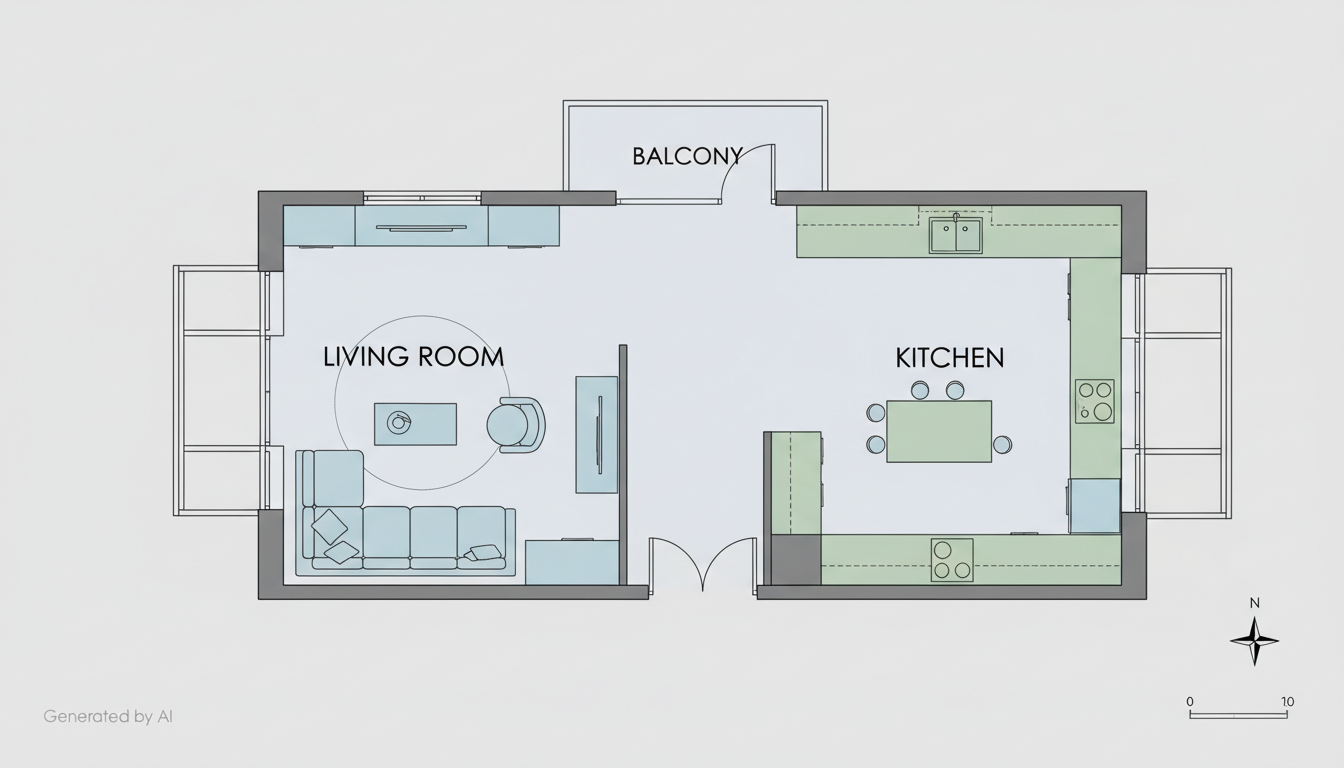


Experience the Future of House Design Plan Drawing
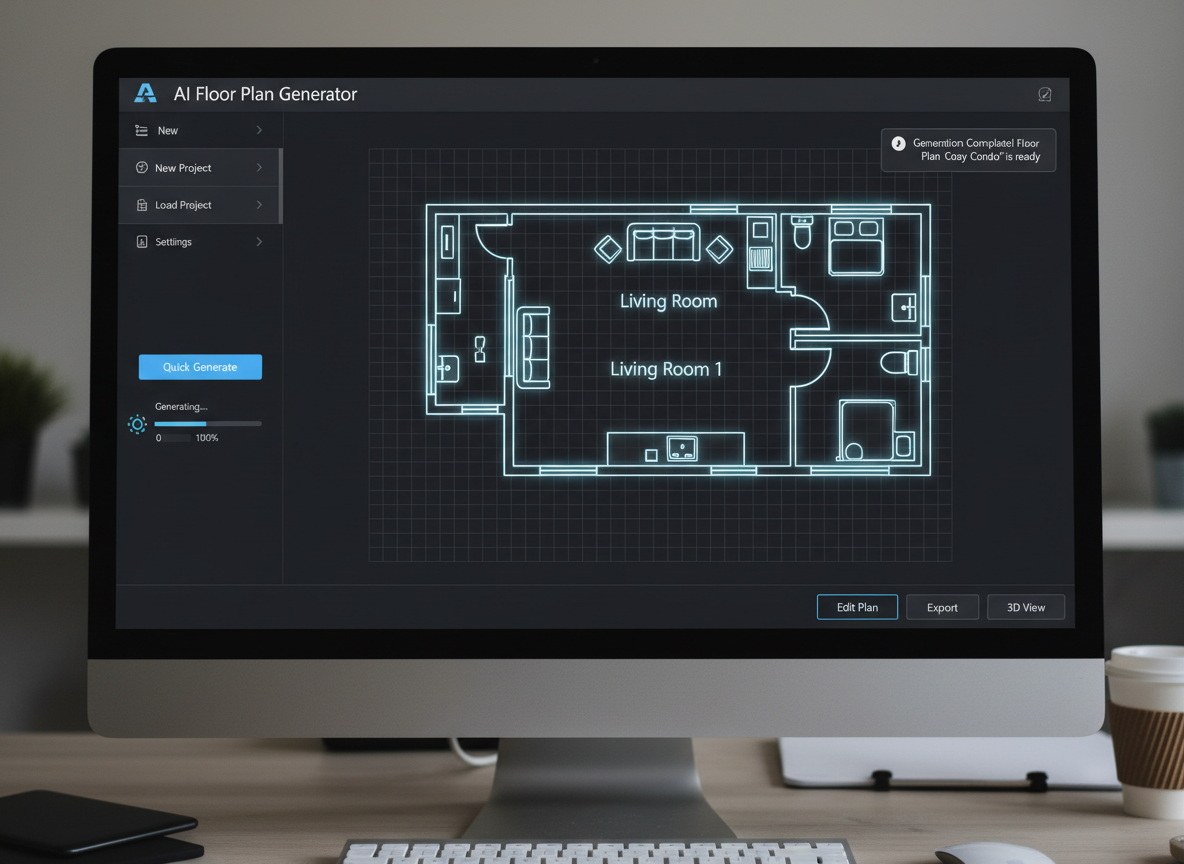
Instant House Design Plan Drawing
Say goodbye to tedious manual drafting. Ideal House’s AI Floor Plan Generator creates professional house design plan drawing visuals in moments. Simply input your preferences—bedrooms, bathrooms, kitchen style—and watch as our AI delivers clean, presentation-ready 2D floor plans. Get your architectural drawing without the wait.
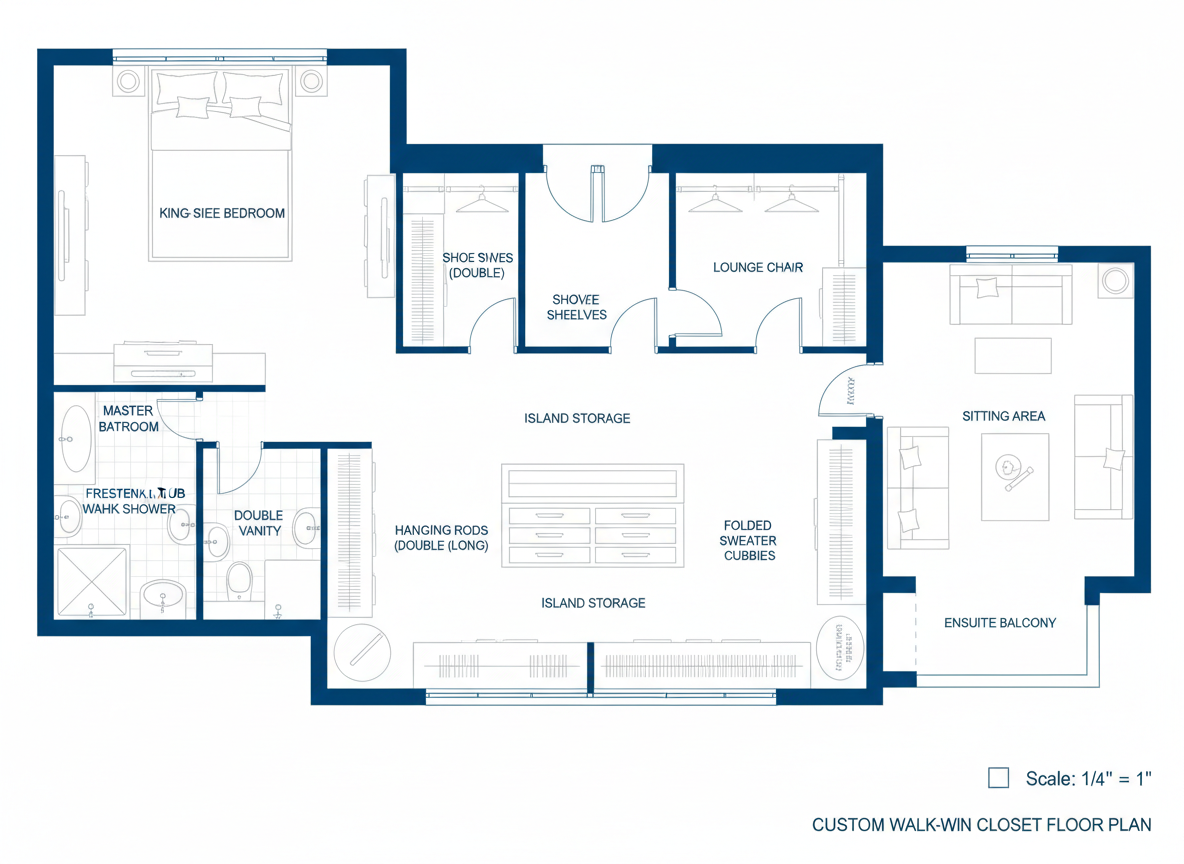
Parametric Customization for Your Home Layout
Tailor your home layout planner with precision. Our AI floor plan maker allows you to define key parameters like gross area, and select desired extras such as a walk-in closet, home office, or combined living-dining space. This ensures your house design plan drawing perfectly reflects your needs and vision, providing flexible residential floor plans.
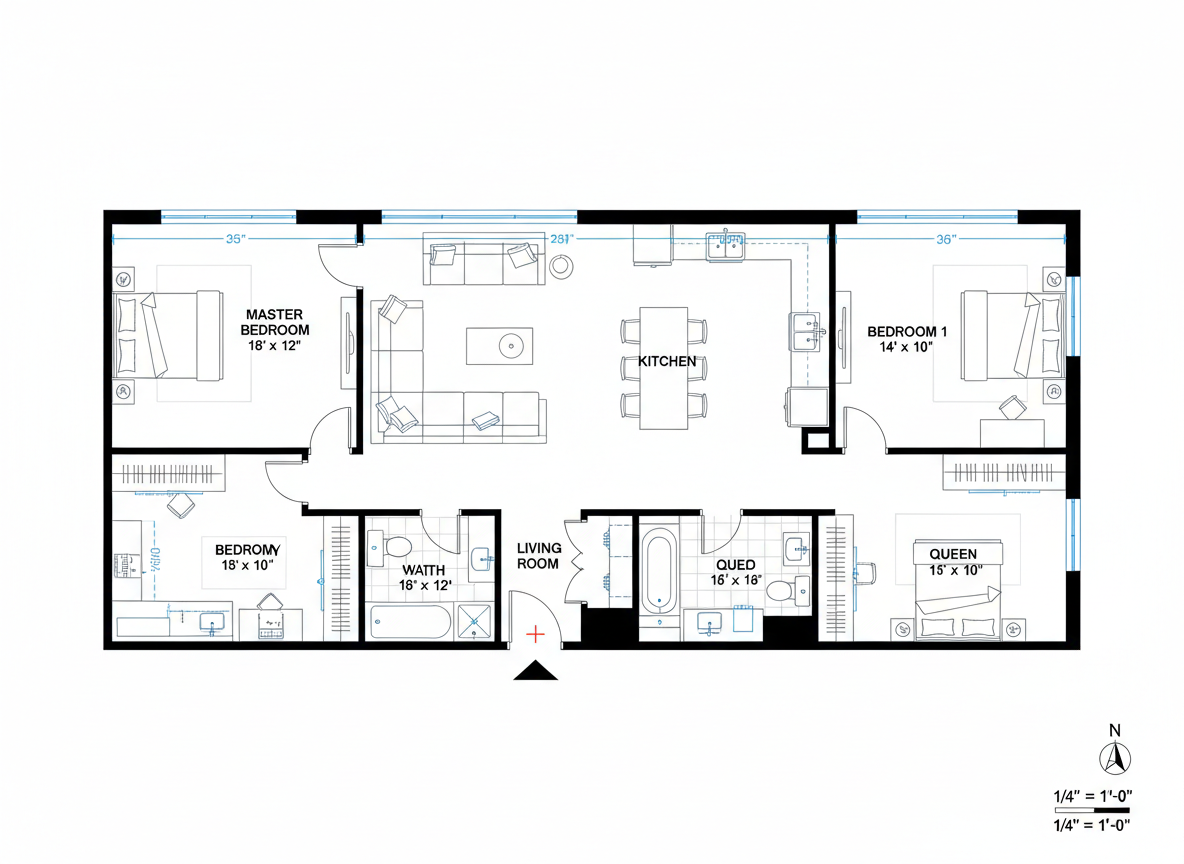
High-Quality, Shareable Blueprints
Receive clear, high-resolution house design plan drawing outputs suitable for any purpose. From early conceptualization to client presentations and real estate listings, our 2D floor plans are easy to download as images or PDFs. Ideal for real estate agents needing modern home blueprints, or designers seeking a reliable blueprint maker.
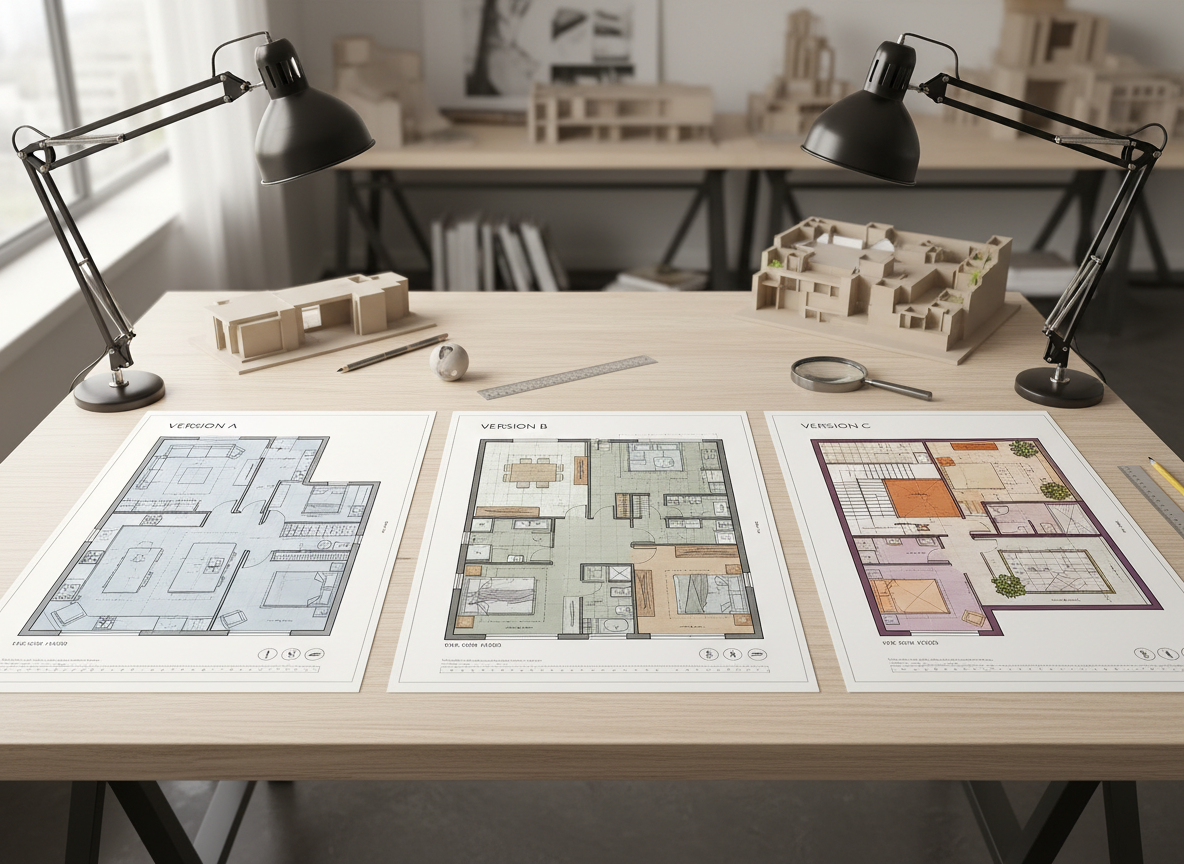
Iterate and Refine Your Space Planning
Explore endless possibilities with our AI floor plan generator. Every iteration of your house design plan drawing is saved, allowing you to compare different dwelling layouts, adjust parameters, and refine your space planning until it's perfect. This building design software makes experimentation easy, helping you achieve the ideal property floor map.

Who Benefits from Our AI Floor Plan Generator?

Homeowners & DIY Enthusiasts: Easily visualize potential home layouts and create a house design plan drawing that suits your lifestyle, perfect for renovation or new build ideas.

Interior Designers & Decorators: Quickly generate apartment floor plan concepts for clients, iterating on room design with immediate visual feedback.

Real Estate Professionals: Enhance your listings with clear, consistent 2D real estate floor plans, helping buyers understand property flow at a glance and speeding up your sales process.

Create Your House Design Plan Drawing in 5 Simple Steps
1
1. Define Your Spaces: Start by selecting the number of bedrooms (0-4) and bathrooms (1-3) for your ideal house design plan drawing.
2
2. Choose Kitchen Style: Decide between an open or closed kitchen layout, influencing the overall flow of your home architectural plans.
3
3. Specify Gross Area: Pick a gross area range that aligns with your desired property size, ensuring realistic dwelling layout proportions.
4
4. Add Custom Features: Select 'extras' like a walk-in closet, laundry room, home office, or garage to personalize your 2D floor plan.
5
5. Generate & Refine: Click 'Generate' to see your new house design plan drawing. Review, tweak parameters, and regenerate until it's perfect. Your digital floor planner is here!
Frequently Asked Questions About House Design Plan Drawing
How does the AI create a house design plan drawing from my inputs?
Our AI floor plan generator interprets your selections—bedrooms, bathrooms, kitchen type, gross area, and extras—to apply intelligent architectural rules. It drafts a clear 2D floor plan, suggesting optimal adjacencies and circulation. Each generation offers a fresh concept for your home layout planner.
Can I customize specific room dimensions in my house design plan drawing?
Currently, the AI focuses on generating the overall dwelling layout and relationships between spaces based on your parameters. While you can't manually input specific dimensions for each room, the gross area selection helps guide the scale, and you can iterate to find a floor plan that feels right for your area design.
What influence does 'Gross Area' have on the generated floor plan?
The 'Gross Area' band you select provides a crucial guide for the AI. It ensures that the generated house design plan drawing maintains realistic proportions for rooms, corridors, and overall footprint, resulting in a believable and functional property floor map.
Is this tool suitable for creating complex architectural drawing designs?
Ideal House's AI Floor Plan Generator excels at quickly producing conceptual and presentation-ready 2D floor plans. While it provides a solid foundation for your house design plan drawing, highly complex architectural drawing details or structural engineering specifics would typically be added in later stages by a professional architect.
How does the AI handle 'extras' like a home office or pantry?
When you select extras, the AI floor plan maker intelligently integrates these spaces into your house design plan drawing. For example, a walk-in closet might be placed near a primary bedroom, a pantry adjacent to the kitchen, or a home office in a quieter, more secluded area of the dwelling layout, enhancing functional space planning.
Expand Your Vision with Ideal House's Design Tools

Magic Editor
Fine-tune your American Modern design by changing specific objects or materials instantly.
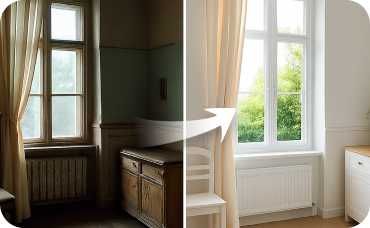
Interior Remodel
Go beyond furniture—change flooring, walls, and lighting to complete your tranquil transformation.
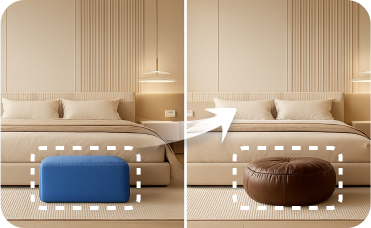
Smart Replacer
Instantly swap out your current windows or front door with beautiful arched or rustic wood options.
Ready to Design Your Space?
Start creating your perfect house design plan drawing today. Fast, intuitive, and incredibly effective.
Generate My Floor Plan
💰 Holen Sie sich 10% Provision als Partner von Ideal House.
Schließen Sie sich an